logo

Dashboard

Simracing Insights

Your SessionsDrive to WinLeaderboardsEsports SetupsAcademyRecommended HardwareHardwareLive Overlay

Real Racing Insights

Motorsport NewsNewsRace Engineer

Community

Driving Stats

Help / Setup

Configure GameMembershipsReport Issue

Log InSign Up

Dashboard

Simracing Insights

Your SessionsDrive to WinLeaderboardsEsports SetupsAcademyRecommended HardwareHardwareLive Overlay

Real Racing Insights

Motorsport NewsNewsRace Engineer

Community

Driving Stats

Help / Setup

Configure GameMembershipsReport Issue
App Logo
Careers
Memberships
AffiliatesAffiliates
Privacy PolicyPrivacy PolicyJoin our Discord
tiktokinstagramfacebooktwitteryoutube

Get real-time driving feedback

Sign up now to use the live overlay for free

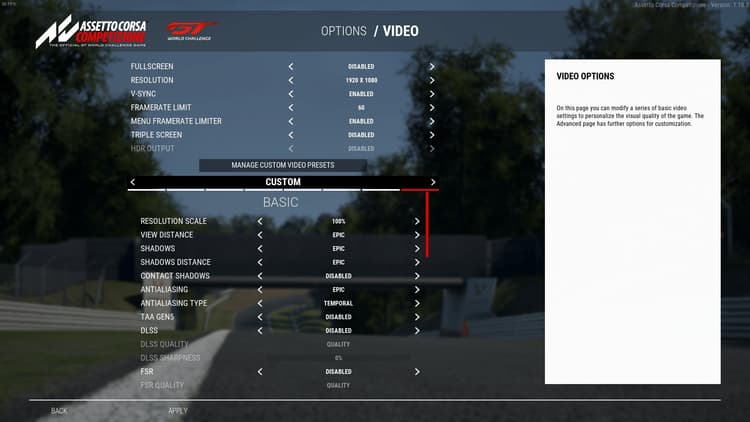
Make sure your game window is in borderless windowed mode

Make sure your game window is in borderless windowed mode

To enable the overlay, you need your game to run in borderless windowed mode and not full screen.

Start your session

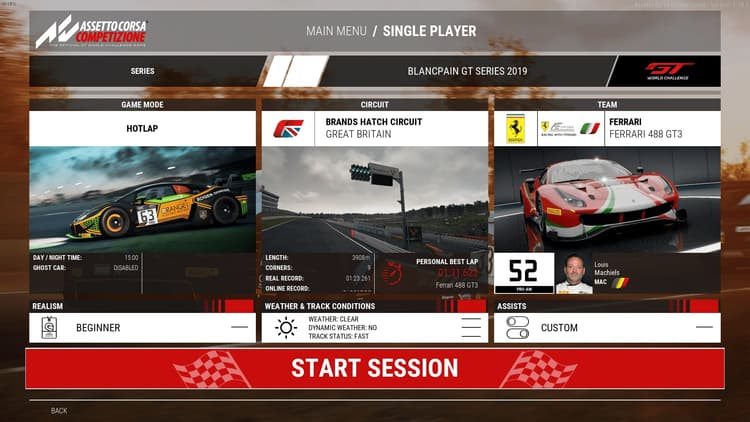
Start your session

Start your session as usual. You should see the live overlay on the screen once you start driving.

Find and position the overlay

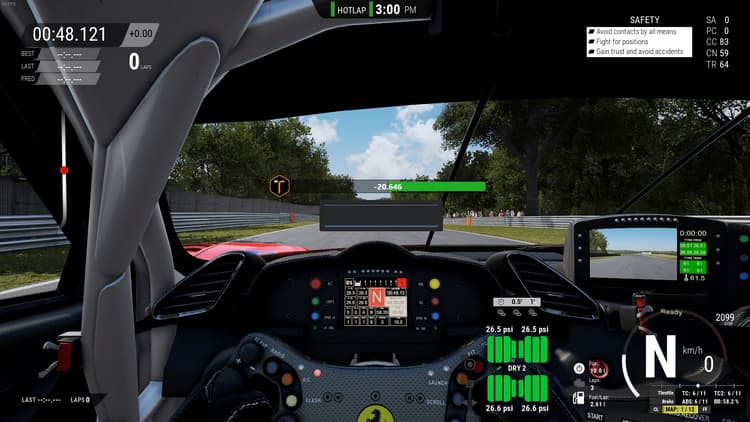
Find and position the overlay

Once the overlay is enabled and visible, you can move it around to your liking.

Start driving

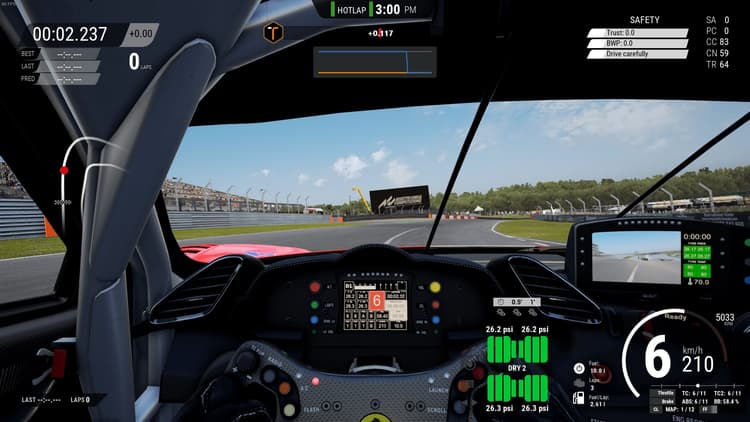
Start driving

Start driving and the overlay will show your pace and other metrics.